Planning & follow-up
Tasks
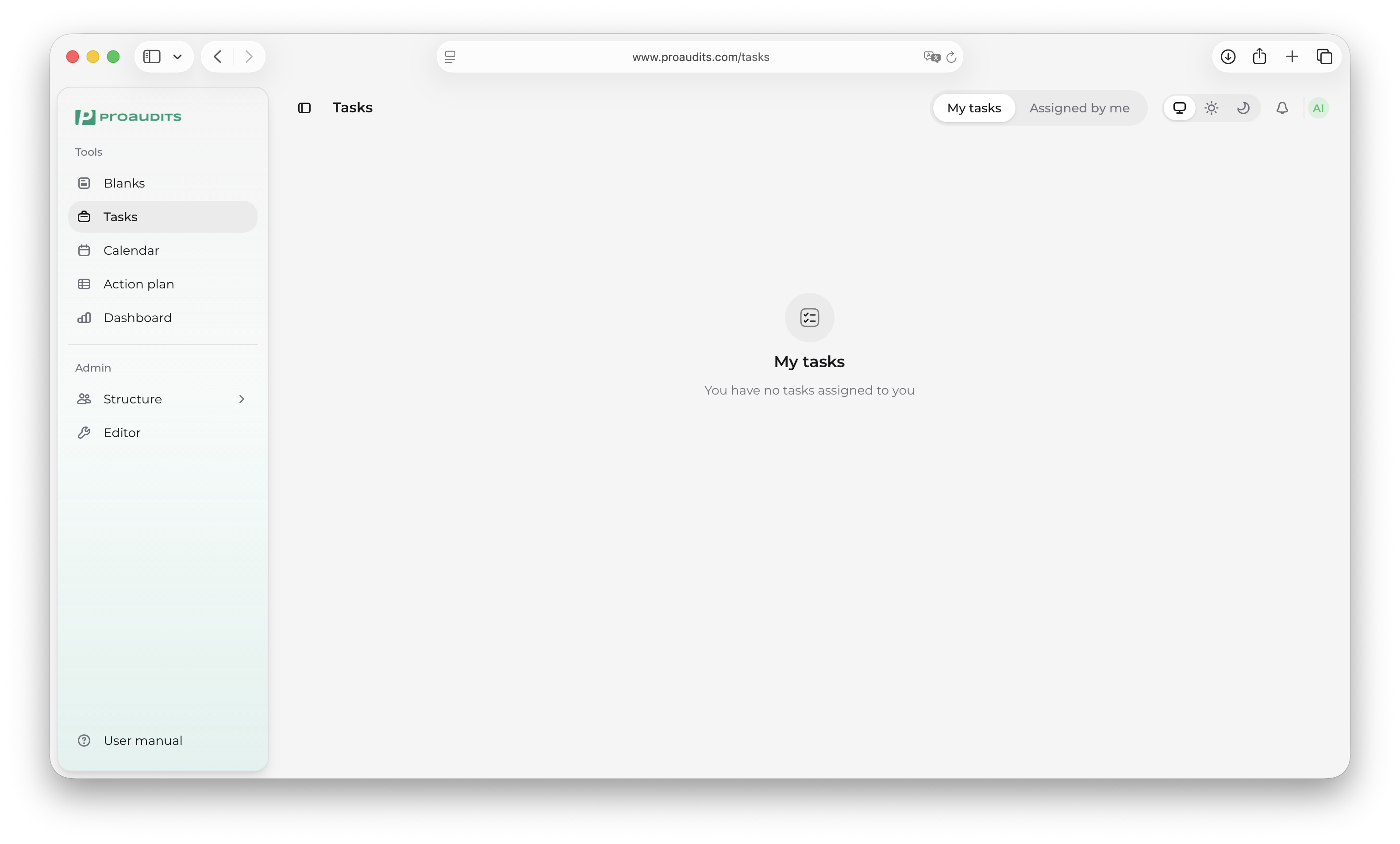
The Tasks screen is a simple work tracker. It is split into two views: the things you owe (My tasks) and the things you have asked someone else to do (Assigned by me).
Tasks — landing screen
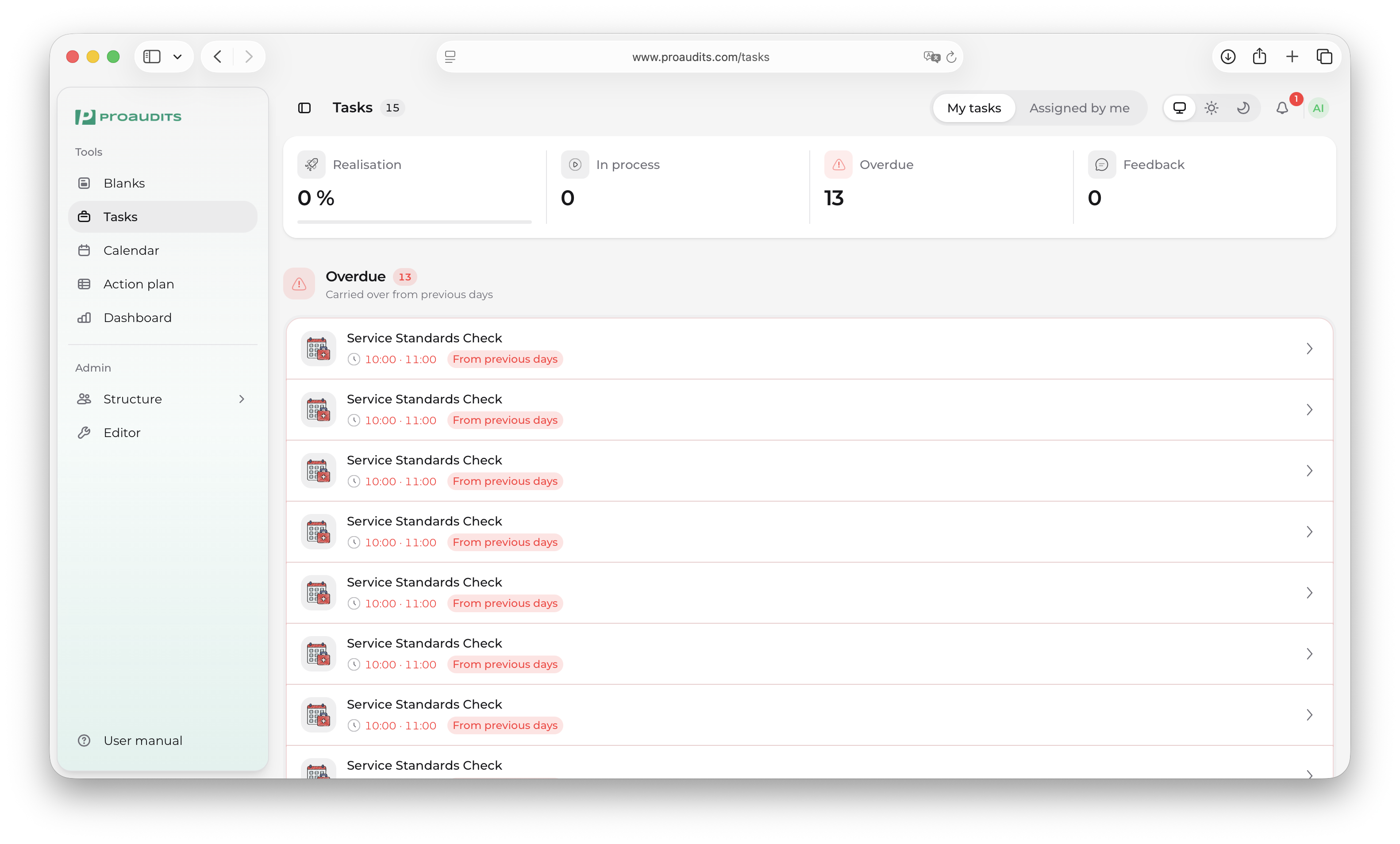
My tasks
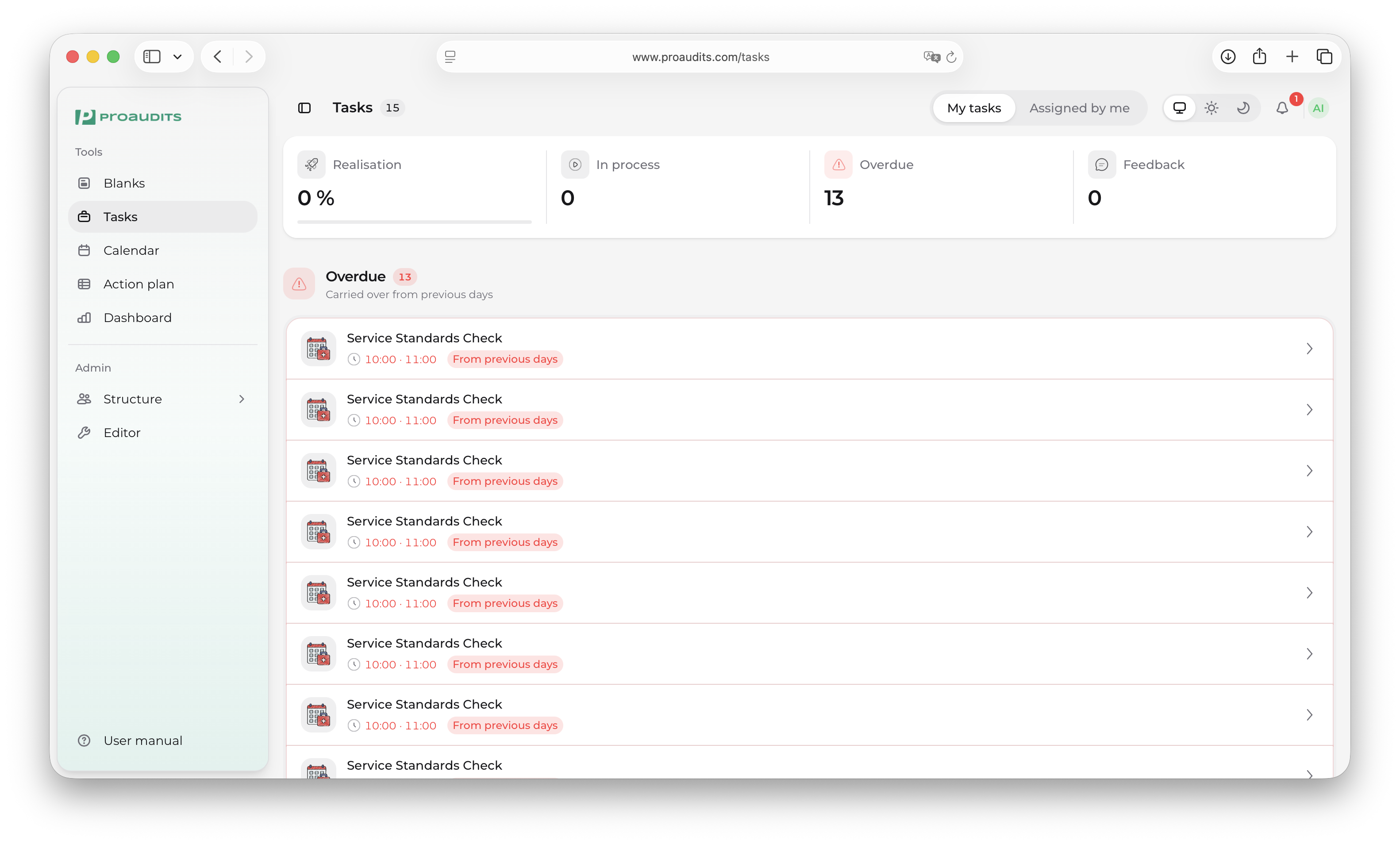
The default view. Everything assigned to you, sorted with the most urgent at the top.
Each row shows:
- A checkbox to mark the task done.
- The task title.
- The audit or store the task belongs to (when it came from an audit finding).
- The due date — overdue tasks are highlighted.
- An optional feedback badge if someone wants your input on a finding.
My tasks — list
Filtering
The filter row at the top lets you narrow the list:
- Status — open, in progress, done.
- Source — tasks tied to an audit vs. free-form tasks.
- Feedback only — show only feedback requests.
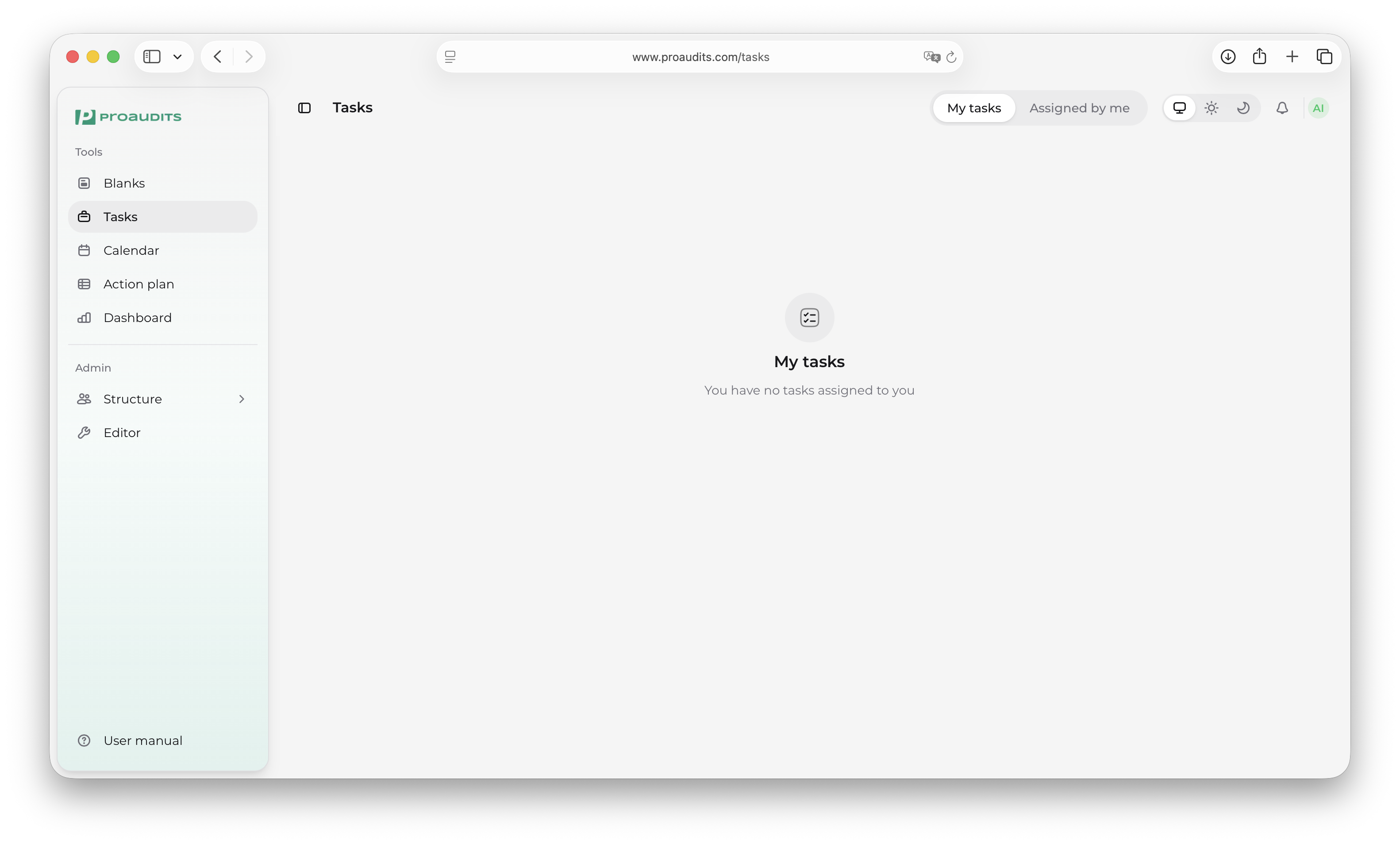
Empty state
When you are all caught up, the screen shows a friendly empty state instead of an empty list — a hint that you have nothing pending.
Empty state — caught up
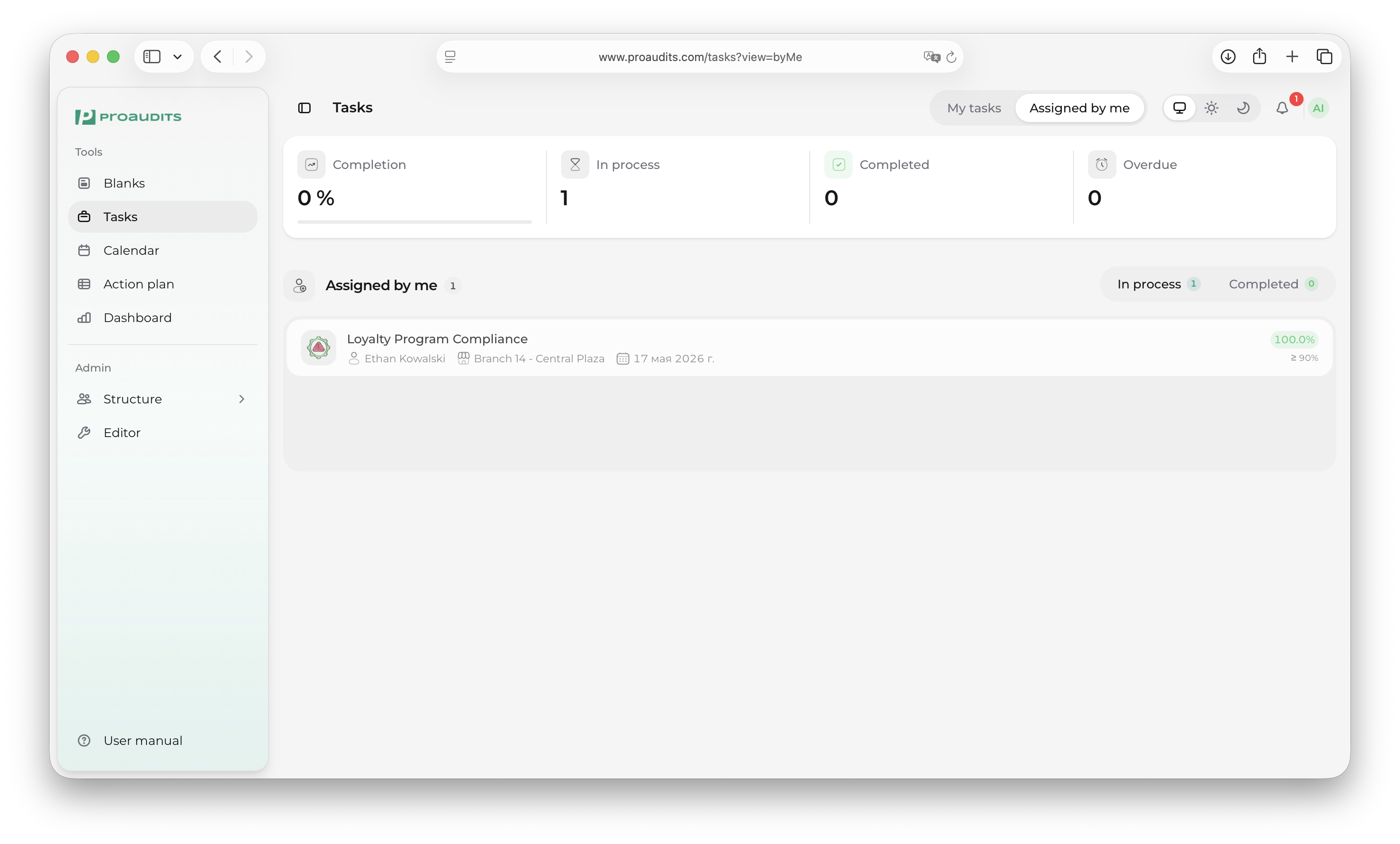
Assigned by me
Switch tabs to see tasks you have delegated. Same list, same fields, but from the other angle — useful for managers checking on their team's progress.
Assigned by me
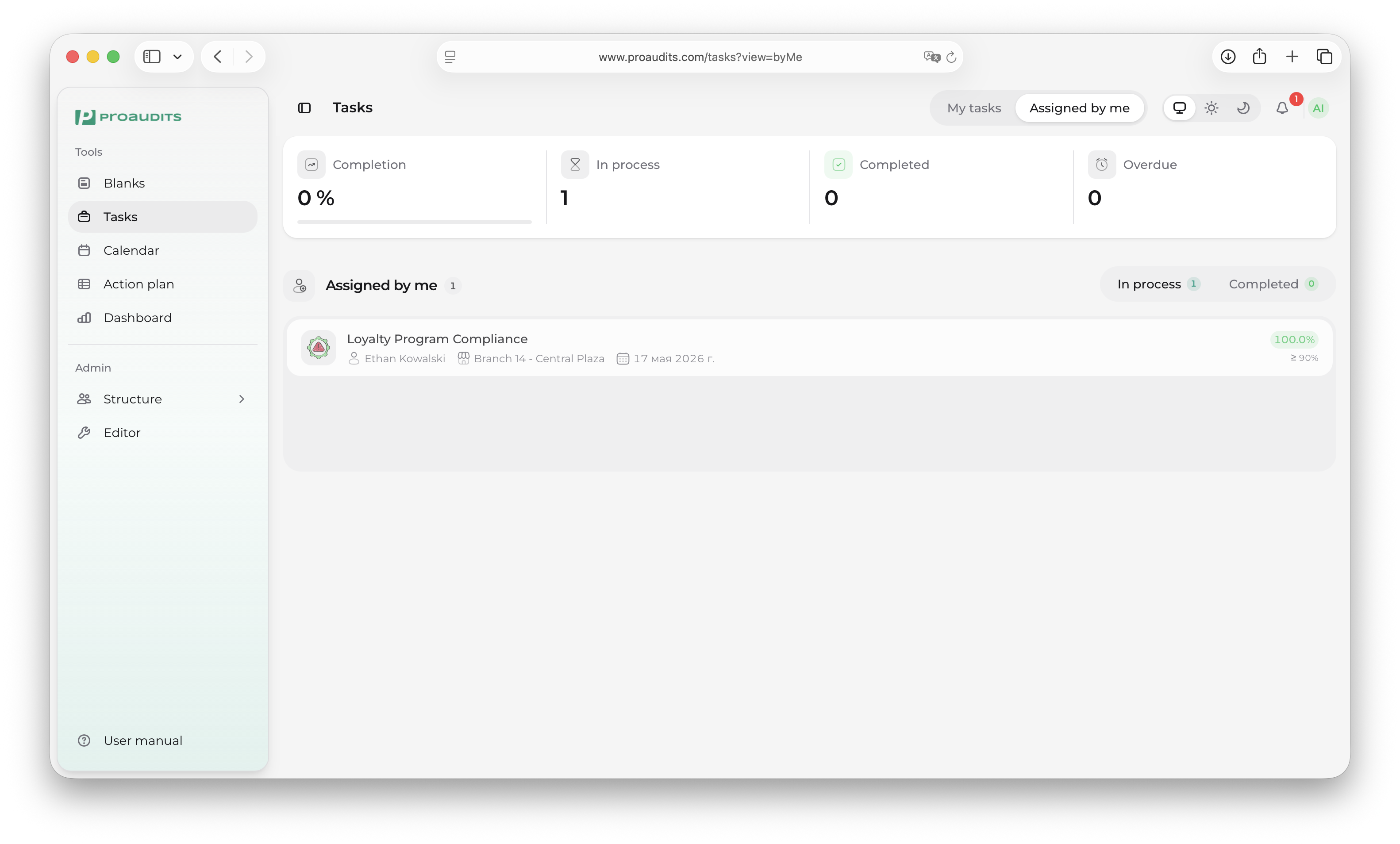
You can:
- See the assignee's avatar on each row.
- Reassign by clicking the avatar and picking a different person.
- Nudge a task back to the top by changing the due date.
Feedback requests
When an auditor leaves a comment that needs an employee's response — a customer complaint to read, a finding to acknowledge — it shows up here as a feedback request. Open it, read the context, type a reply, and the loop closes back at the auditor.
Feedback request
Tasks metrics
The strip above the list summarises what is on your plate right now: total open, due this week, overdue. Helpful for a 5-second status check at the start of the day.
Tasks metrics row
Tasks vs. action plan
Tasks are individual to-dos — somebody owns each one, and the goal is "done". The action plan is broader: it tracks the issue an audit found, which may have many tasks under it, with stages (in progress / finished / approved).