Administration
Employees
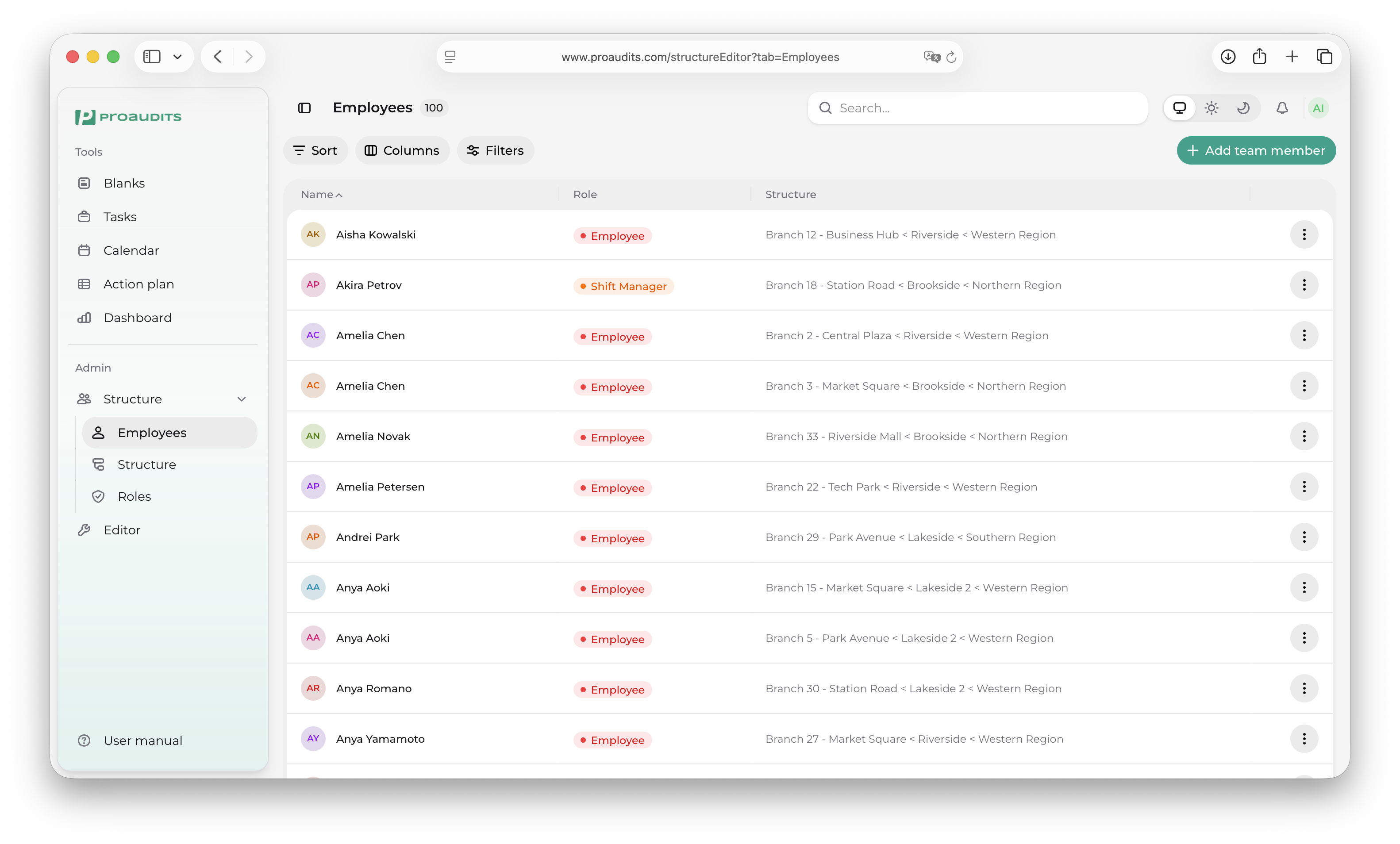
The Employees tab inside the Structure editor is your team directory. It lists everyone with a ProAudits account — name, role, contact, status — and is the place you go to add a teammate, change someone's details, or deactivate an account.
Employees tab
Finding someone
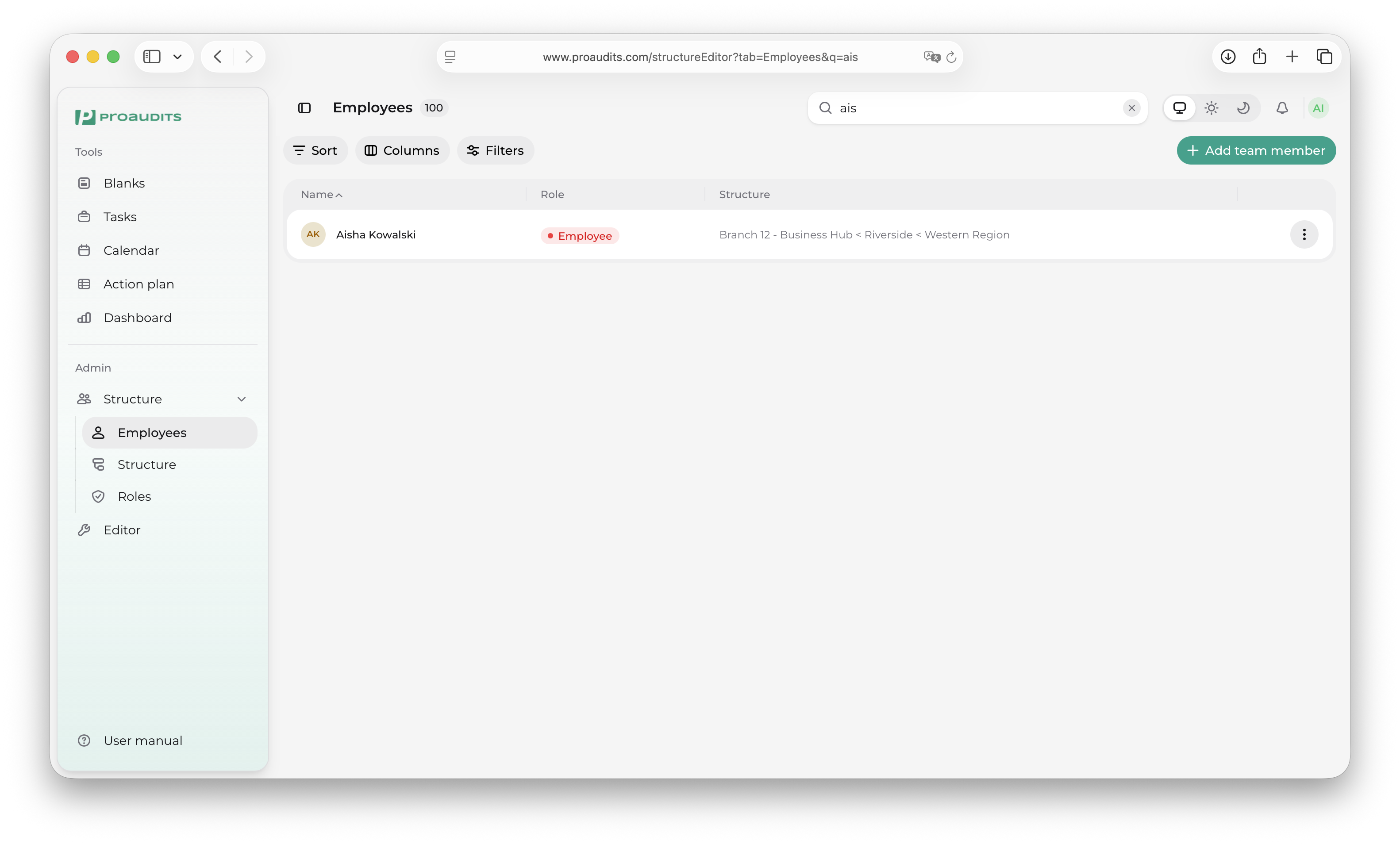
The search box at the top of the list matches name, email, and phone. Combine it with the filter chips on the right (role, department, status) to narrow down further.
Employees — search and filters
Adding an employee
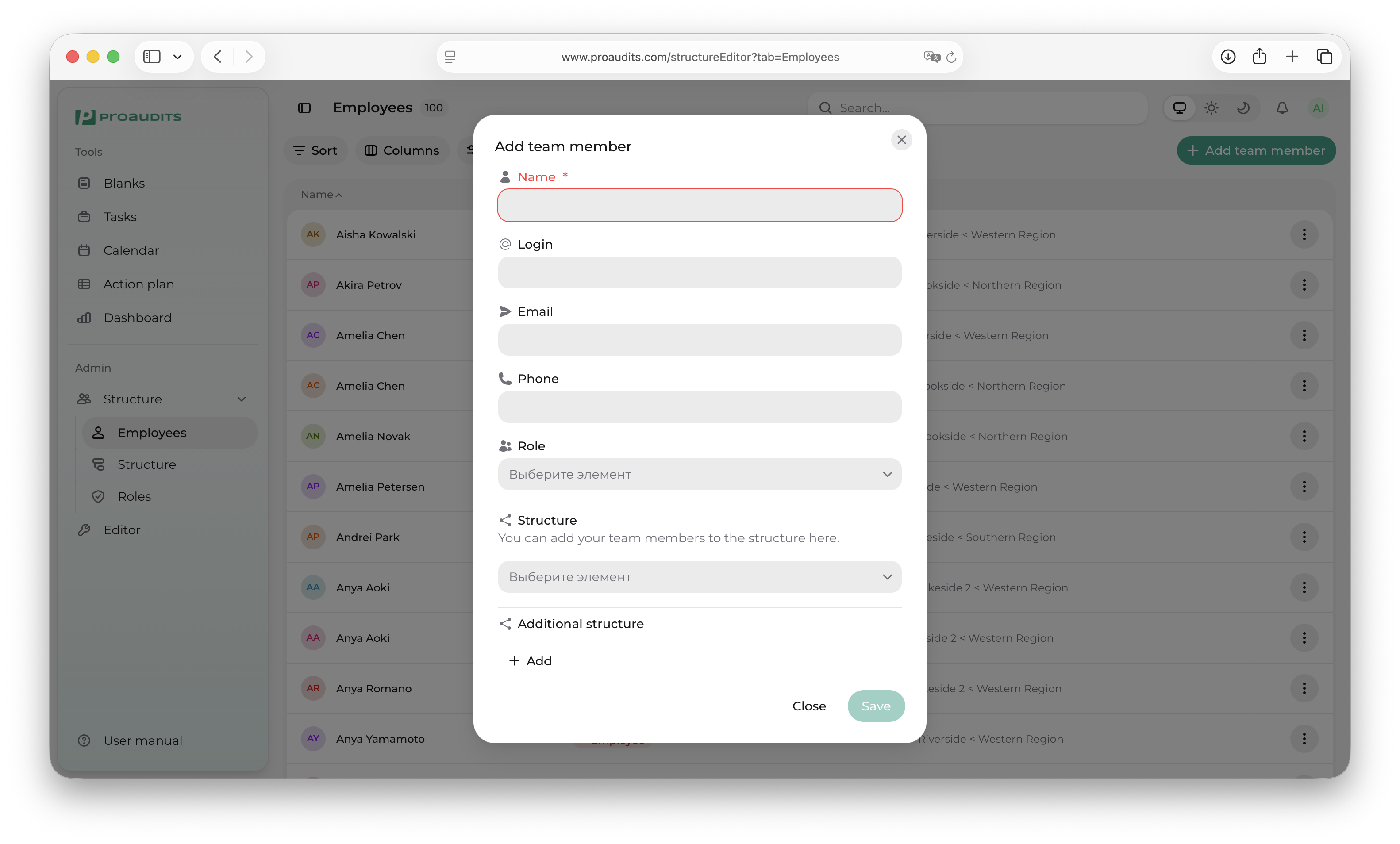
Use Add employee in the toolbar. The drawer that opens asks for:
- First and last name.
- A role (pick from your roles catalogue).
- Email and/or phone — at least one is required so they can sign in.
- The department or store they belong to.
- An optional reporting manager.
Add employee drawer
When you save, the new account is created and the employee can sign in immediately using the email or phone you registered.
Editing an employee
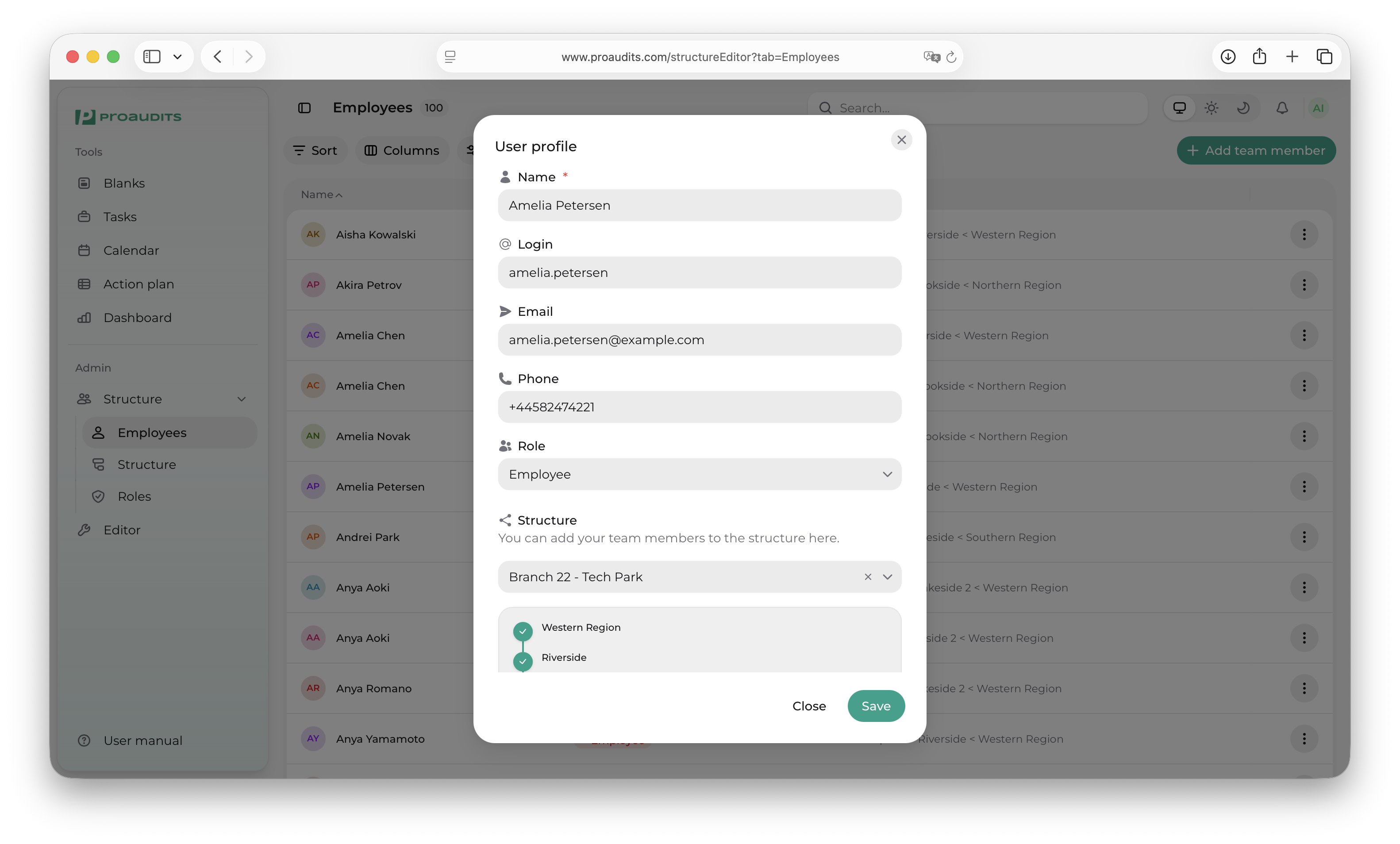
Click a row to open the same drawer in edit mode. Every field is editable except the auto-generated employee ID.
- Change the role to grant or revoke access to features.
- Move the employee to a different department to update their reporting line.
- Update the phone or email if it changed.
Edit employee drawer
Bulk actions
Tick the checkboxes on the left of multiple rows to bulk-edit:
- Change role — assign a new role to all selected people in one go.
- Move department.
- Deactivate — bulk shut off access (their data stays).
Deactivating vs. deleting
ProAudits doesn't delete employees — it deactivates them. A deactivated employee:
- Can no longer sign in.
- Disappears from auditor pickers and assignee dropdowns.
- Keeps all of their audits, comments, and actions in history.
This is the right behaviour for departures: the historical record stays clean, and you can reactivate the account in seconds if they come back.
Why no delete?
Audit history is meant to be permanent. Deleting an employee would orphan every audit they ran and every action they signed off on. Deactivation is reversible; deletion is not.
Avatars
Click an employee's avatar to upload a new photo. The image flows through to the calendar, the action plan, and the dashboards — making it easy to spot people at a glance.