

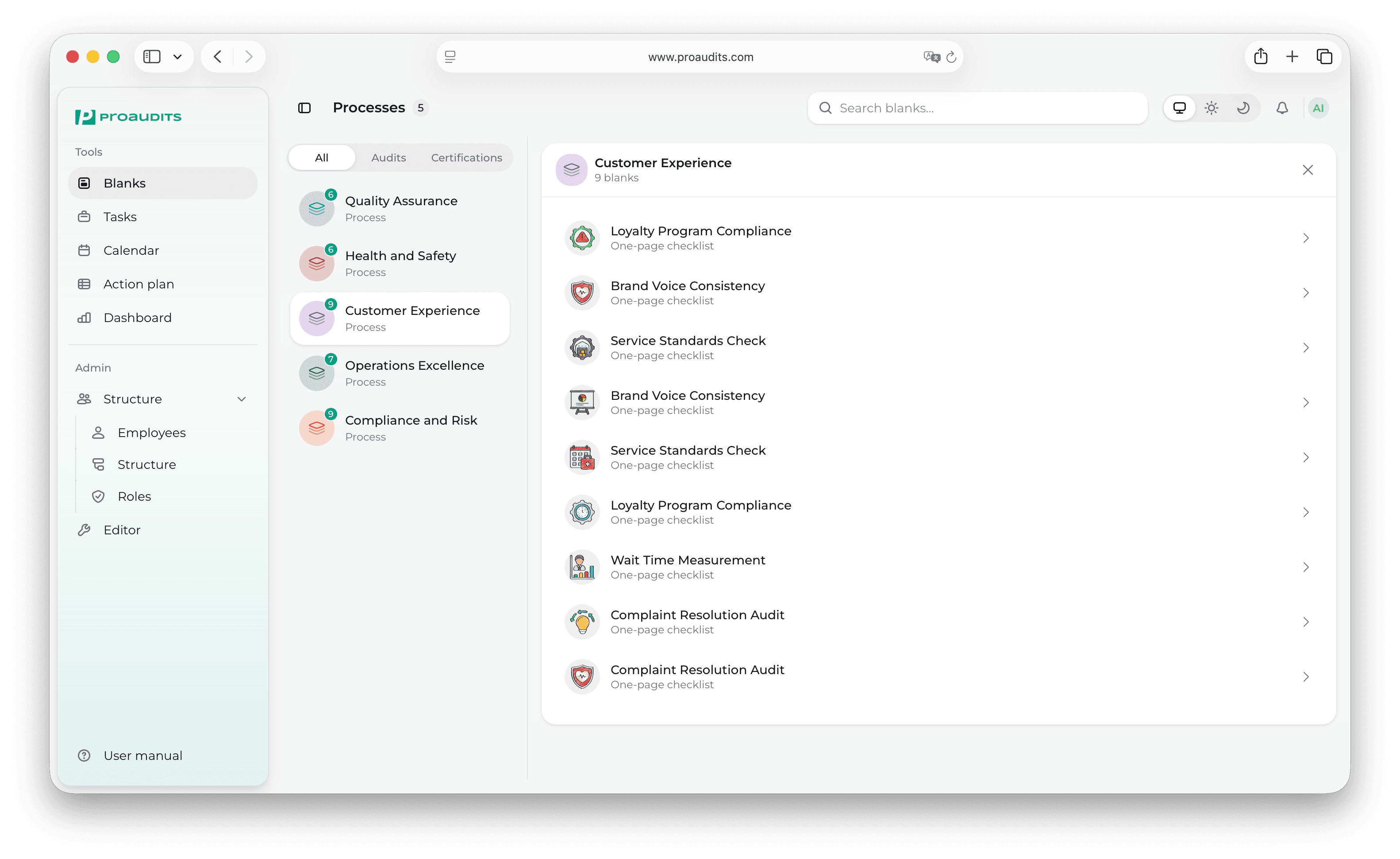
Getting started
Welcome to ProAudits
Everything you need to run audits, follow up on findings, and keep your locations on standard — in one workspace.
Signing in
Get into your account by email, SMS or Telegram in under a minute.
Workspace tour
A guided walk-through of the sidebar, top bar, and search.
Running an audit
Step-by-step: open a template, answer items, attach photos, finish.
Action plan
Turn findings into actions, assign owners and follow them to done.
ProAudits is a workspace for teams that operate across many stores, branches, or sites. It helps you build a single source of truth for the standard each location must meet, run the same checks across the whole network, and turn every finding into a clear action with an owner and a deadline.
What you can do with ProAudits
Whether you visit one store a week or fifty a month, ProAudits keeps the work predictable from start to finish.
Build the standard
In the Editor you describe what a "good" location looks like: the checks an auditor should run, grouped into sections, with weights, photo requirements, and access rules. The editor has two layers — the list of processes and blanks, and the per-blank content editor where sections, items, and access rules live. Edits go live for the next audit; in-progress audits keep their current shape until they're submitted.
Plan ahead
The Calendar is where you schedule audits across teams and stores. Pick a date, choose a template, pick the store, and assign the auditor. The system can announce the visit (or keep it private) and the visit shows up immediately on the auditor's calendar.
Run the audit
When the auditor opens the audit page, they get a structured form — items, photo prompts, and comment fields. Everything saves as they go, so there is no "lost progress" if the connection drops. When all required items are filled, they hit Ready to finish and submit.
Follow up on findings
Every audit ends with a list of issues. The Action plan is the Kanban board where those issues become actions: who fixes what, by when, and with proof. Cards move from In progress → Finished → Approved, so it's always clear what is still open.
See the picture
The Dashboard rolls everything up into KPIs: how many audits happened this month, how scores trend, which processes are weakest, which stores need attention.
Who this manual is for
This manual is written for the people who use ProAudits every day:
- Auditors — running checks in the field, capturing photos, leaving comments.
- Area managers — scheduling visits, reviewing scores, picking up issues, signing off on action plans.
- Administrators — building templates, managing the team structure, defining roles and permissions.
Every page in this manual focuses on what you can do in the product — not how the product is built. If you are looking for a specific button, modal, or screen, the navigation on the left is grouped to match the sidebar in the app itself.