Getting started
Signing in
ProAudits doesn't ask you to memorise yet another password. You sign in with a one-time code sent to your inbox or your phone, or with a single tap from Telegram.
The sign-in page
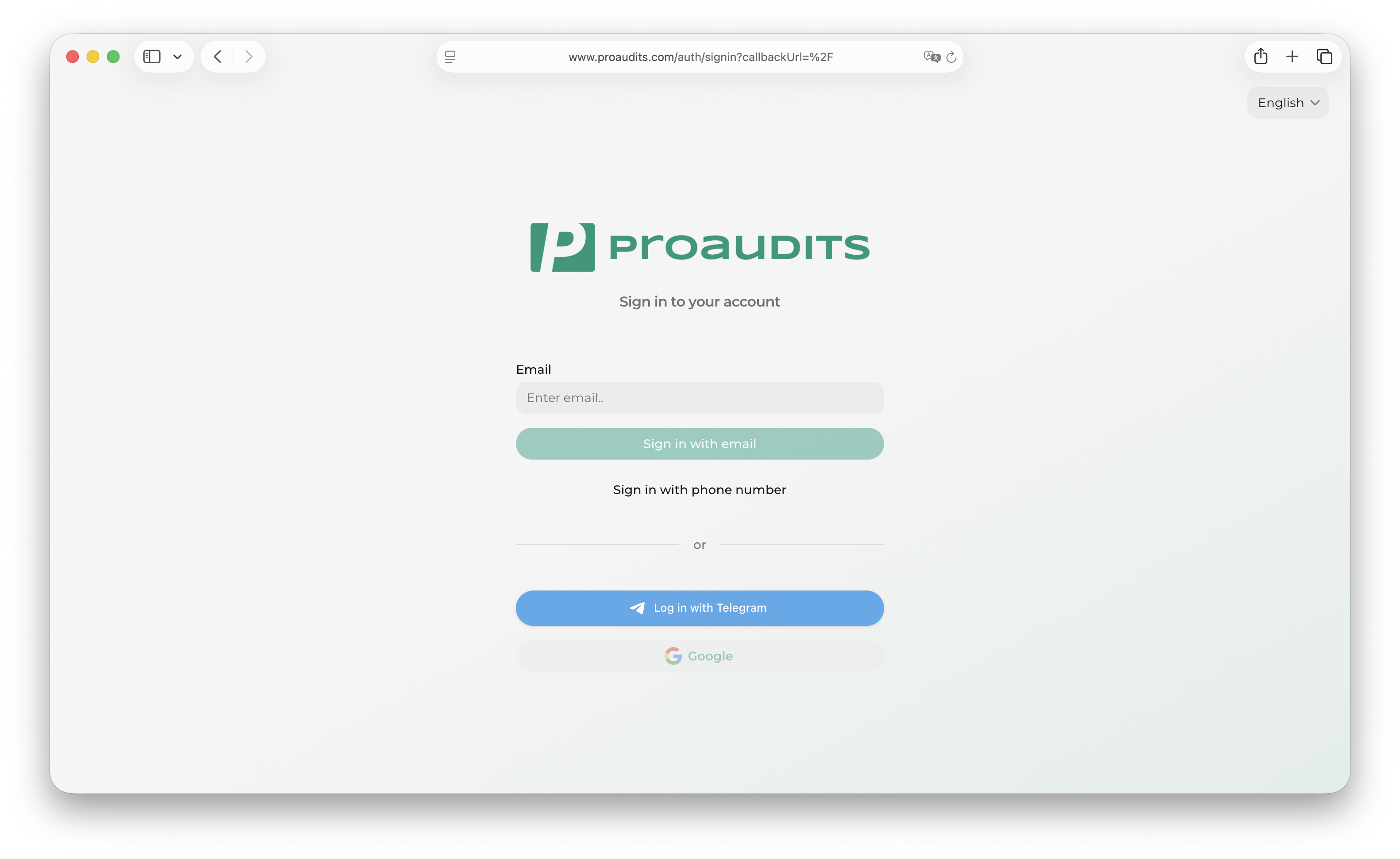
When you open ProAudits you land on the sign-in page. Pick the method that fits you — they all end the same way: you are inside the app, on your home screen.
Sign-in page
Email code
- Type the email address your administrator added you with.
- Hit Send code.
- Open your inbox — a 4-digit code arrives within a few seconds.
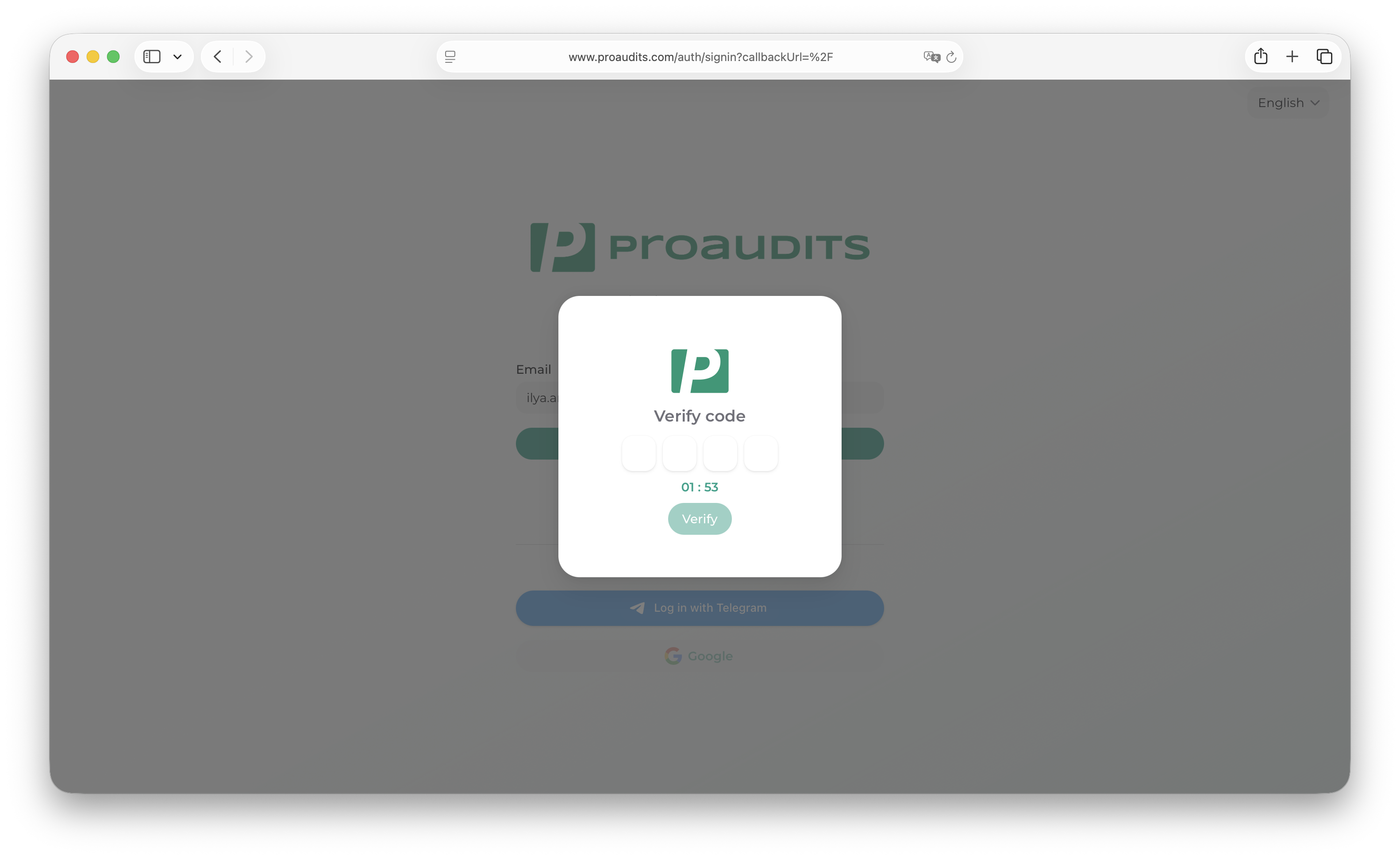
- Type the code in the pop-up window and you are in.
The code is valid for 2 minutes. If you don't make it in time, just request a new one from the same screen.
One-time code modal
SMS code
Same idea, but the code arrives by text message instead. Useful when you are in the field and can't get to your laptop email.
- Switch to the Phone tab on the sign-in card.
- Type your phone number with the country code.
- Tap Send code and wait for the SMS.
- Type the 4 digits — you're in.
Telegram
If your account has Telegram linked, the Sign in with Telegram button does everything for you in a single tap. The Telegram bot greets you, confirms the device, and bounces you straight back into ProAudits.
Pick whatever is fastest
There is no "main" method — email, SMS, and Telegram are equal. Use whichever is on hand. You can mix them: log in by SMS on the road and by email at your desk.
Switching language
The language switch sits in the top-right corner of the sign-in page. ProAudits ships with English and Russian out of the box; the choice is remembered for the next time you sign in.
When something goes wrong
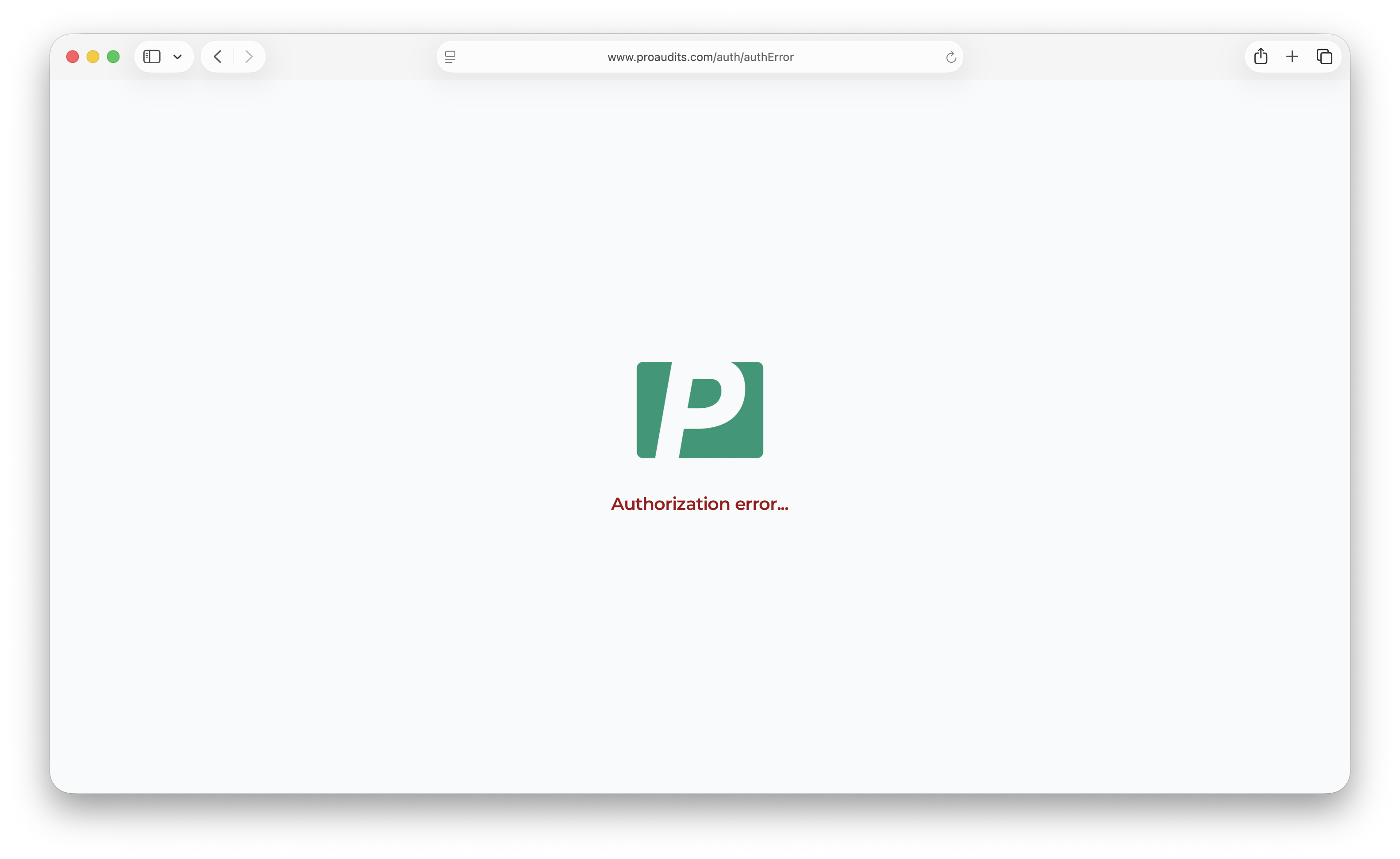
ProAudits will route you to a friendly error page if something is off:
- The code expired before you typed it in — request a fresh one.
- The link in your email is too old — codes expire after 2 minutes.
- Your account was deactivated — your administrator can re-enable it from the Structure editor.
Authentication error page
If none of that helps, ping your administrator. They can see whether your account is active, which roles you have, and whether the right email or phone number is on file.