Administration
Notifications
ProAudits notifies you about a small set of events that need your attention: a finished audit you follow, an action you are now responsible for, a feedback task assigned to you, and a checklist that is about to start.
Every notification lands in your notification list in the web and mobile apps. Depending on its kind, it can also arrive as a push notification on your phone and as an email.
Kinds of notifications
| Notification | When you get one | Who gets it | How it arrives |
|---|---|---|---|
| Audit completed | An audit is finished. | The people chosen in the blank's notification settings: store general managers, the audited employee, the store team, area supervisors. The store mailbox and any additional addresses get the email only. | List, push, email (with the audit as a PDF) |
| New action assigned | Someone makes you responsible for an action on a store's action plan, or a finished audit creates actions for you. | The responsible employee. You are not notified when you assign an action to yourself. | List, push, email |
| Feedback requested | An audit whose blank requires feedback is finished, and a feedback task with a due date is created for the audited employee. | The audited employee. | List, push |
| Checklist reminder | 15 minutes before a checklist scheduled by a blank's routine starts. | Everyone whose role the routine is set for, the same people who see that checklist in Tasks, if they have the mobile app installed. | Push, list |
A new action produces one notification for each assignment. If you get a second action on the same card, you get a second notification. When a finished audit creates several actions for you at once, they arrive together as one notification. Changing an action's text or deadline, or replacing an action with another one for the same person, does not send a new notification.
If a checklist is reopened and finished again, its existing feedback task is kept, and no second task or notification is created.
In the web app
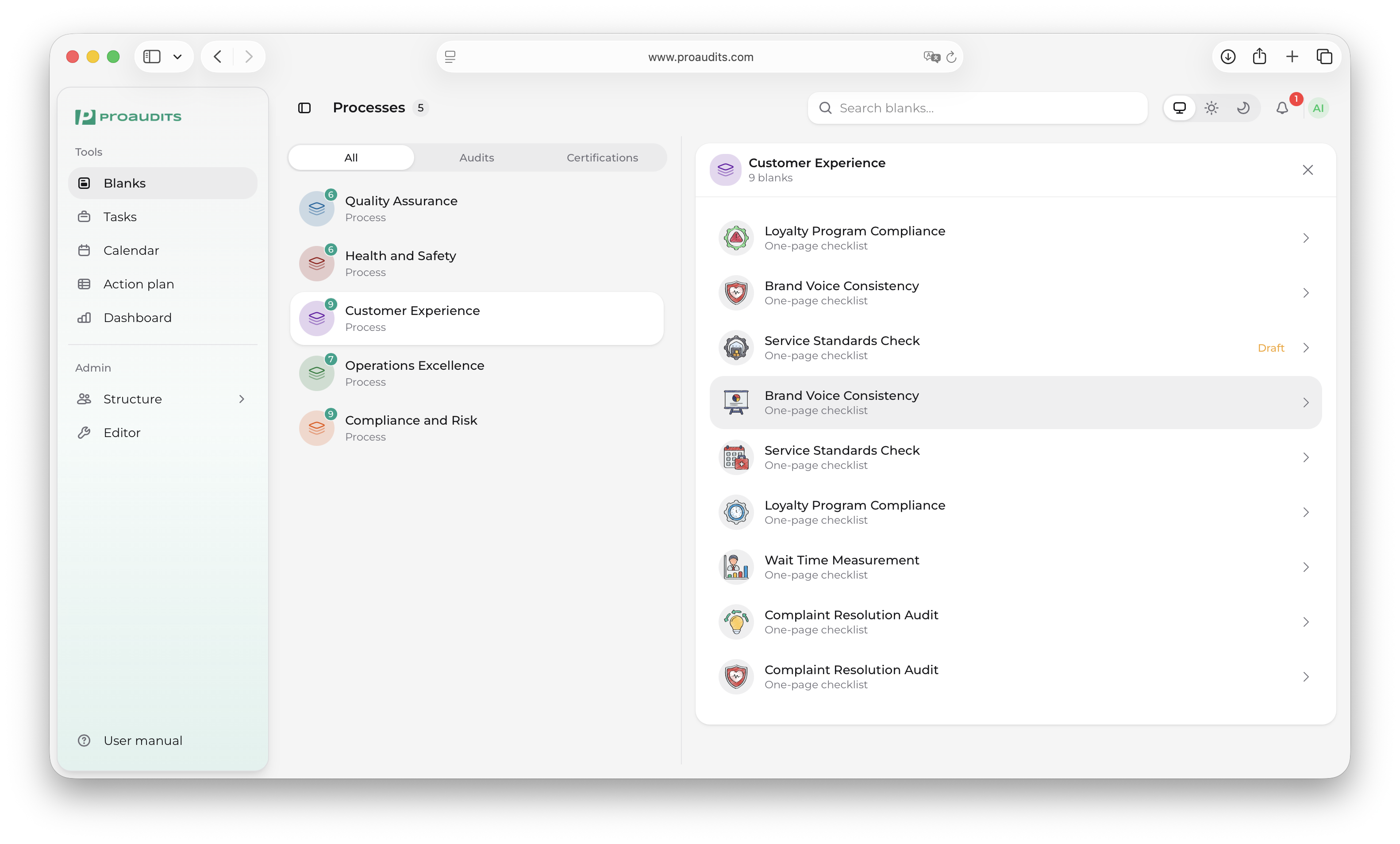
The bell icon in the top bar shows a dot when you have unread notifications. Click it to open the notifications panel.
Notifications bell
Notifications panel
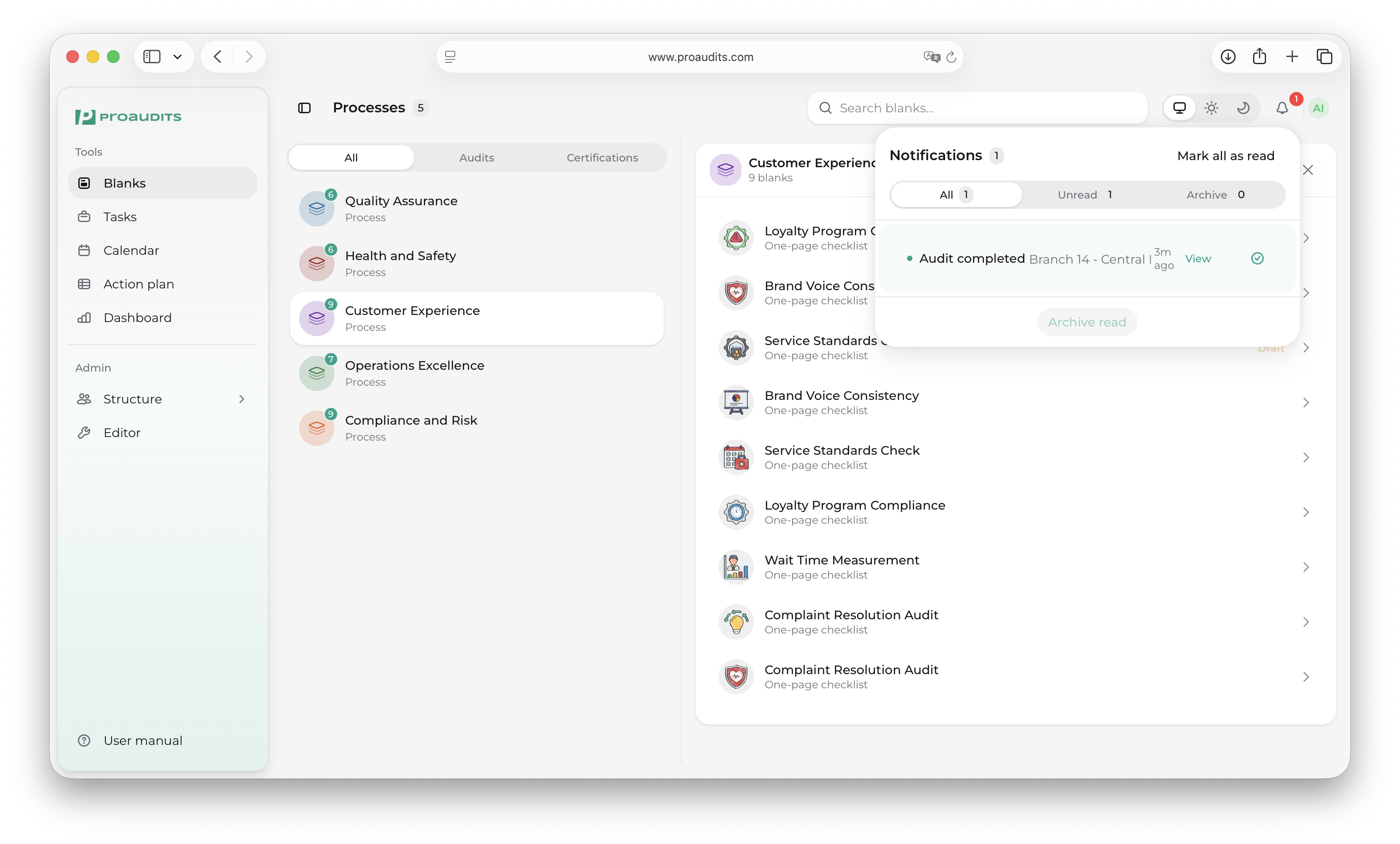
The panel has three tabs:
- All — everything that is not archived.
- Unread — only what you have not read yet.
- Archive — notifications you have archived.
Each row shows the kind of notification, its text (for example the blank, store and time) and how long ago it arrived. Unread rows are highlighted. Where a notification points to a specific page, a View link opens it.
In the mobile app
Tap the bell in the screen header to open Notifications. It has the same All, Unread and Archive tabs and opens on Unread. Pull down to refresh.
Tap an unread notification to mark it as read.
Push notifications
When the ProAudits app is installed and notifications are allowed for it, some notifications also arrive as push notifications (see the table above). Tapping one opens the matching screen in the app:
- Audit completed — the finished audit.
- New action assigned — the action plan in Tasks.
- Feedback requested — the feedback task.
- Checklist reminder — Tasks.
Push notifications go to the phone you are signed in on. When you sign out, that phone stops receiving them.
Not getting push notifications?
Check that notifications are allowed for ProAudits in your phone's settings, and open the app while signed in: the phone signs up for push notifications when the app starts. Everything you would have received as a push is still in the notification list.
Checklist reminders
A checklist reminder tells you that a scheduled checklist starts soon, for example "Checklist in 15 minutes — Opening check starts at 09:30".
- Timing. The reminder comes 15 minutes before the start time set in the routine, in the time zone your phone reports to ProAudits. If your app doesn't report one, your workspace's default time zone is used when one is set.
- Only when needed. If you have already started that checklist for this time slot today, there is no reminder. For example, with slots at 09:00 and 15:00, starting the checklist in the morning covers 09:00, and the 15:00 reminder still comes.
- Today's slots only. Checklists carried over from previous days are not reminded again.
- Not after the start. If a reminder can't be sent within a few minutes of its time (for example during maintenance), or can't reach your phone before the checklist starts, it is skipped rather than arriving late.
- Phone only. Reminders need the mobile app. They are not sent by email.
- Short-lived. Reminders are removed from the notification list after 7 days.
Why didn't I get a reminder?
- The routine is not set for your role, or the checklist is not scheduled for today.
- You already started that checklist today. A checklist started without an internet connection only counts once it has synced, so you may still get a reminder in that case.
- Notifications are turned off for ProAudits on your phone, or you are signed out.
- Your app version does not report your time zone yet, and no default time zone is set for your workspace. Updating the app fixes this.
Reading and clearing
- Mark all as read clears the unread count without removing anything.
- Archive read moves every notification you have read to the Archive tab.
There is no delete button. Notifications stay in the list until you archive them; checklist reminders are removed automatically after 7 days.
Only Audit completed and New action assigned are sent by email, to the address in your employee profile. Who receives the audit email is set per blank in its notification settings in the blank editor. ProAudits does not send notifications by SMS.